Omni Labs
Brand
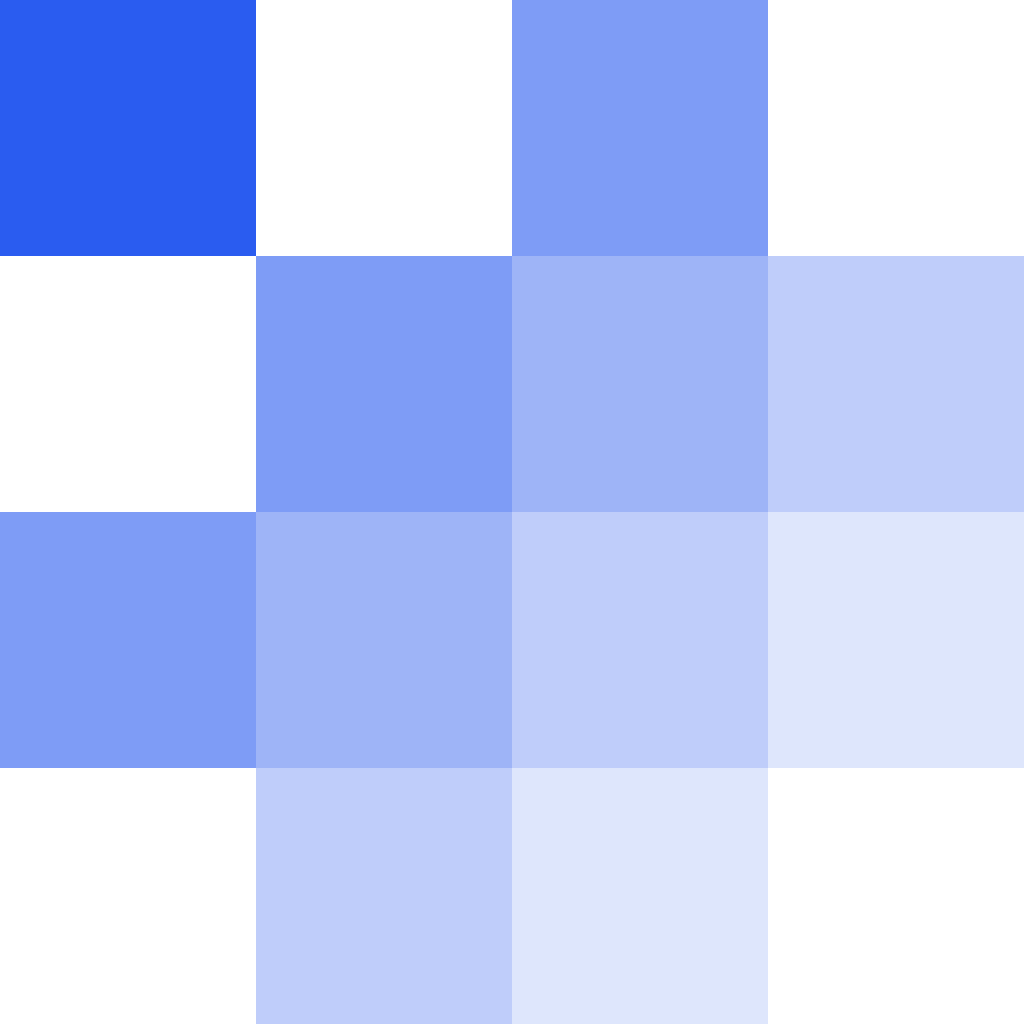
The Omni Labs mark in four cuts — primary, wordmark, reverse, and badge — each as an SVG and a transparent PNG, with the rules that govern how they may be used.
4 cuts · One cobalt · #2A5CF0
Hierarchy
4 cuts · One mark
Fig.01 — Primary · OmniMark · #2A5CF0
Nav, footer, light chrome — the default.
Omni Labs
Fig.02 — Wordmark · OmniWordmark
Headers, documents, third-party listings.
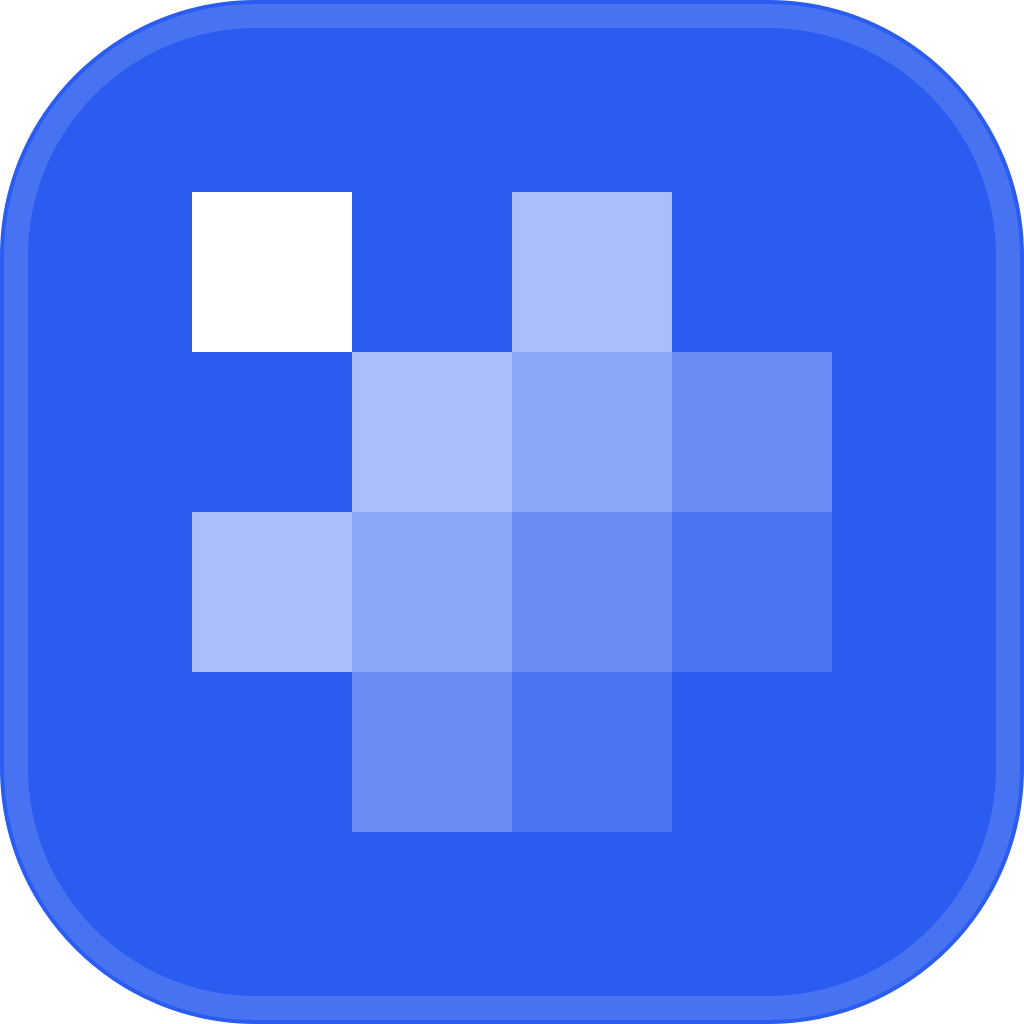
Fig.03 — Badge · OmniBadge
Favicon, app icons, dark chrome — never on the paper ground.
Fig.04 — Reverse · White on cobalt
Cobalt or dark grounds.
16px
20px
40px
64px
Fig.05 — Size ramp · 16–64px
Downloads
4 assets · SVG + PNG





Rules
DESIGN.md §1.1
- 01One blue. The mark is always cobalt #2A5CF0 or reversed white — never another blue, never tinted or alpha'd into one.
- 02The badge never sits on the paper ground. It exists for favicons, app icons, and dark third-party chrome.
- 03The OI ring is the Omni Impact AEO product mark only — it is no longer the company mark.
- 04Use the files as shipped. Never rebuild, restyle, re-space, or animate the cascade.