OmniVoxtryomnivox.com
Speak your intent. Ship a prompt.
OmniVox is a local-first voice workflow — a faster way to capture ideas, instructions, and workflows. It listens, cleans, and types, all on your own machine. Whisper for speech, a local Qwen3 for structure, output shaped for the app you're aiming at.
Local-first · Windows · macOS soon · v0.4.0
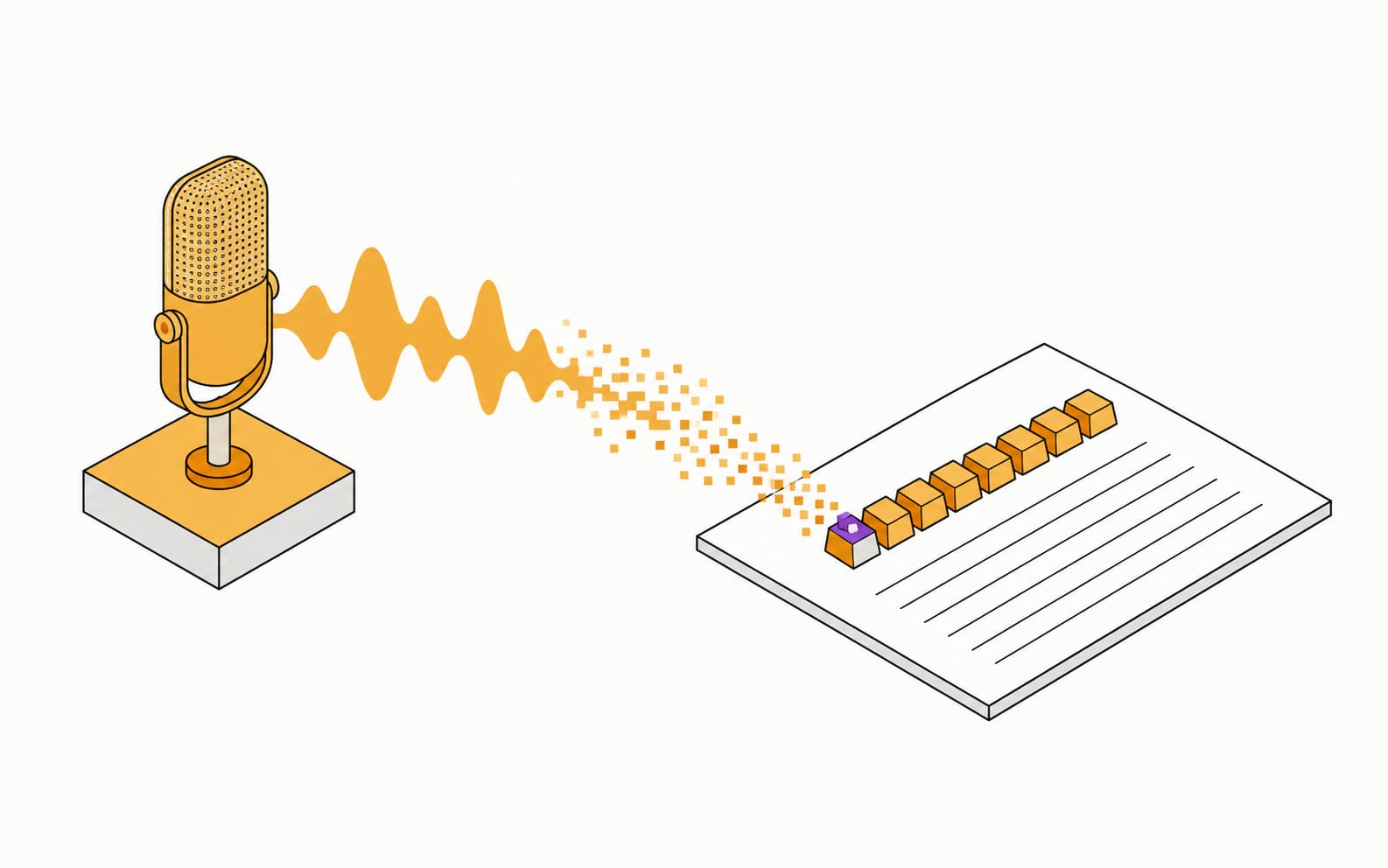
Fig.01 — Voice in, keystrokes out
Local Whisper · Qwen3
Live dictation
Mic → transcript
Hold a key. Talk. It's typed.
The floating pill opens on your hotkey, shows the live waveform while Whisper listens, cleans the transcript, and keys the words into whatever window has focus — no cloud round-trip in between.
Deterministic demo · loops

Press Ctrl + Alt and talk — your words land right here.
Fig.02 — Dictation, end to end
Ported app UI
How it works
Four keypresses
From thought to shipped in four keypresses.
The whole flow is one hotkey, your voice, and an optional word that turns plain dictation into a structured prompt. Nothing else to learn.
- 01Ctrl + AltPress the hotkeyOne global hotkey, remappable to any one- or two-key combo. It works from any window.
- 02speakTalk naturallyWhisper transcribes on your device, biased by what's on your screen so file paths and identifiers land verbatim.
- 03voxifySay “voxify” (optional)A local Qwen3 classifies intent and slots your words into a clean, agent-ready prompt. Skip it for plain dictation.
- 04↵Lands in your appType-simulation keys it into the focused field, then restores focus. No copy-paste dance.
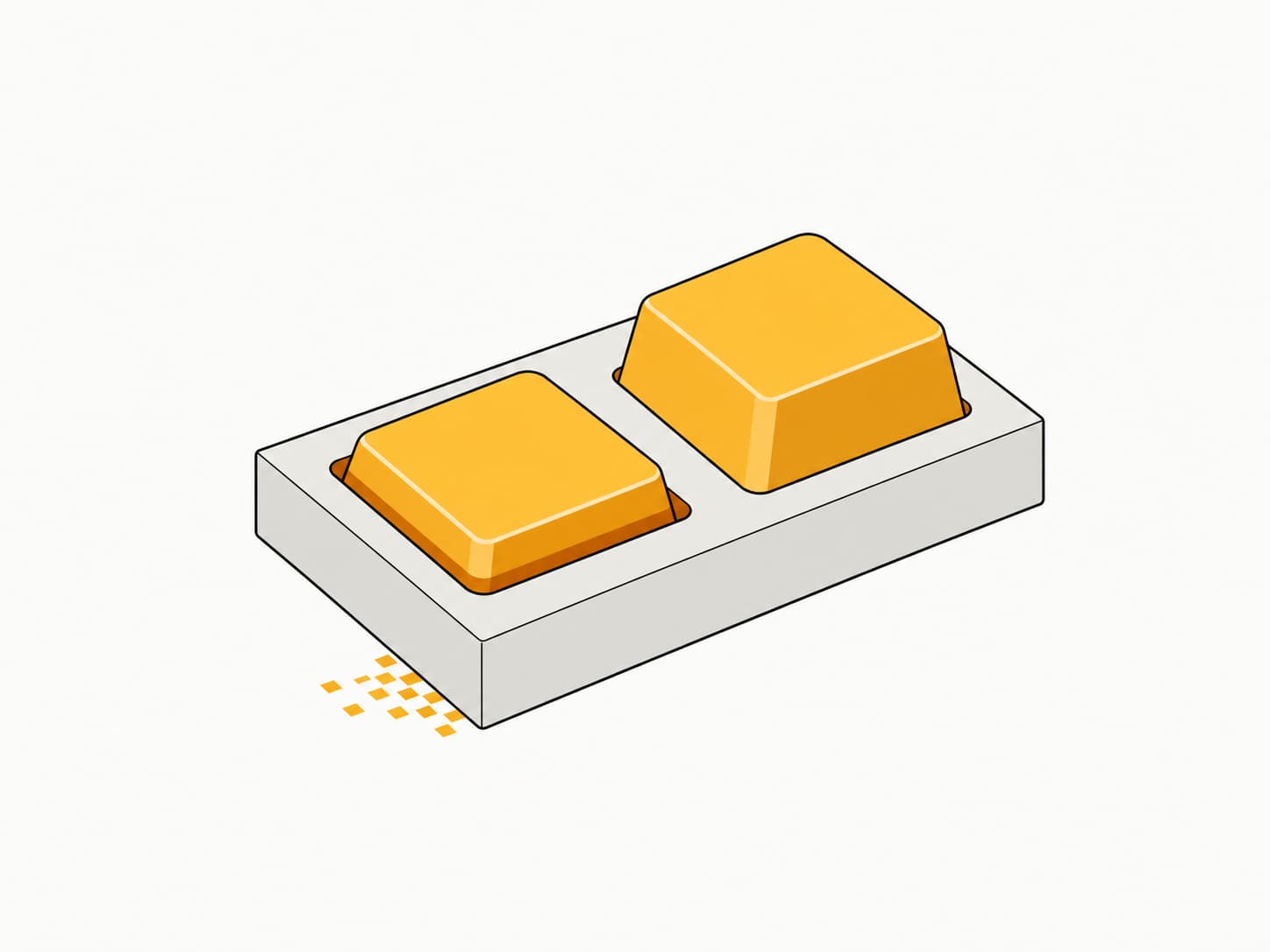
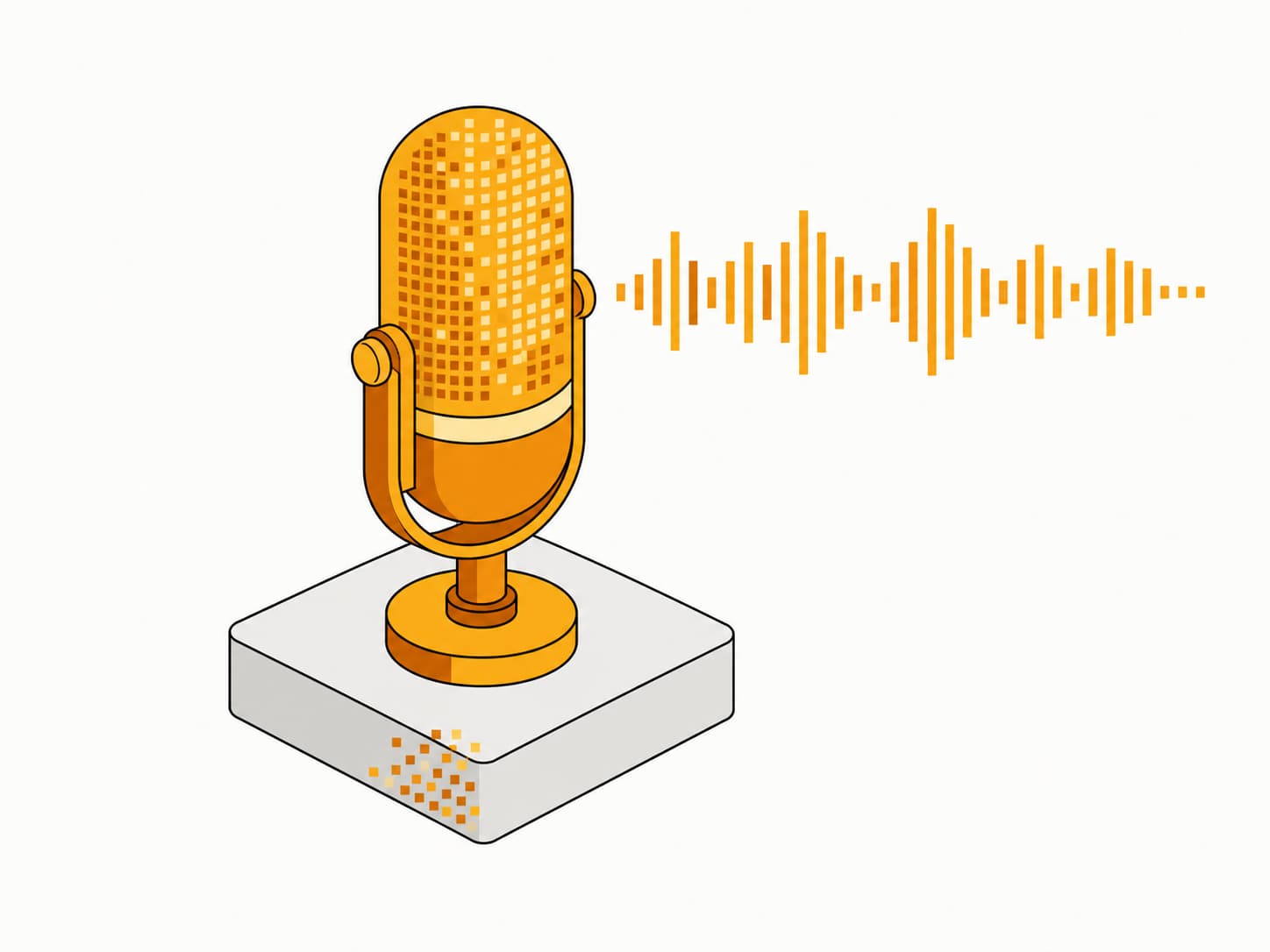
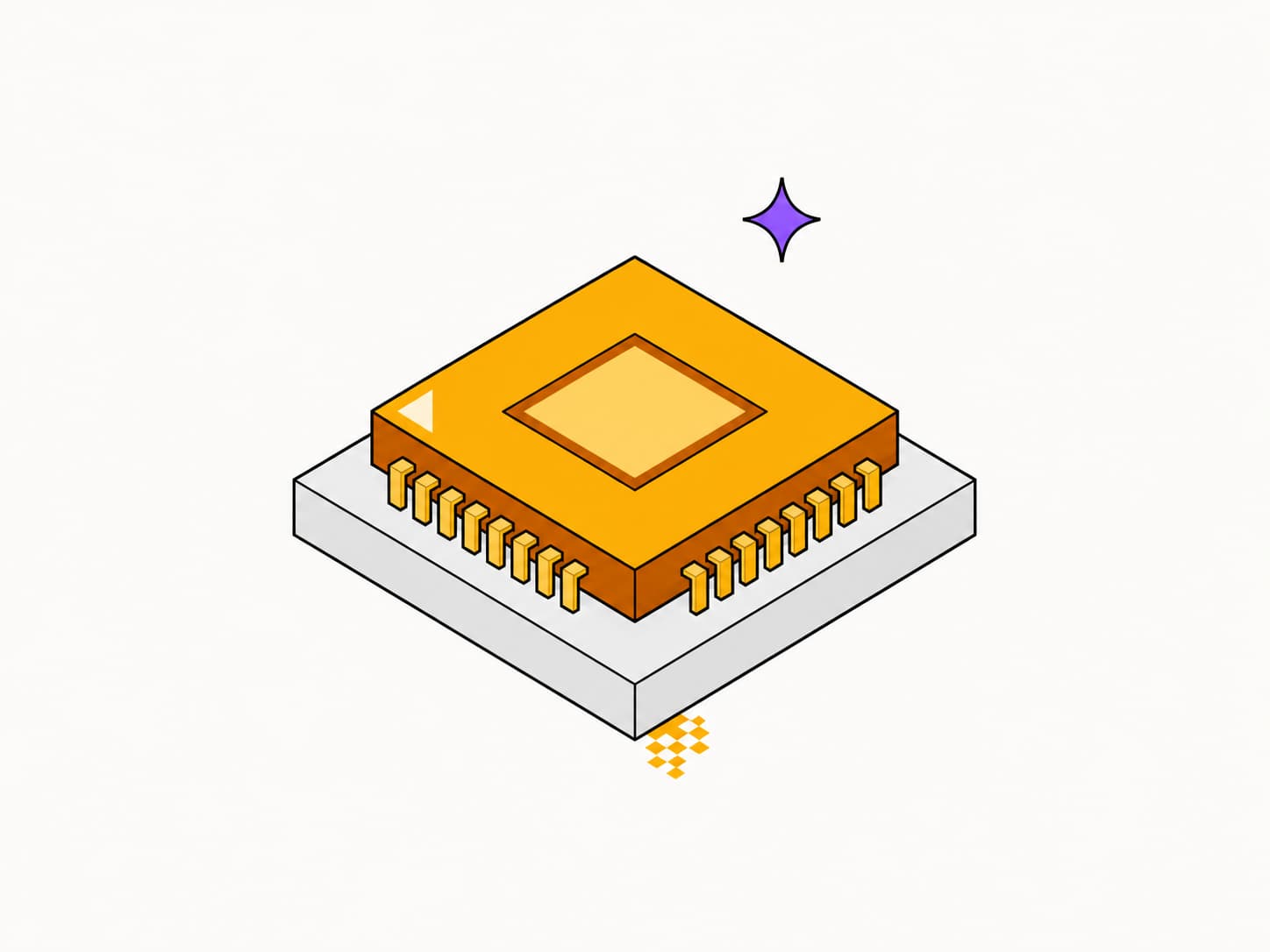
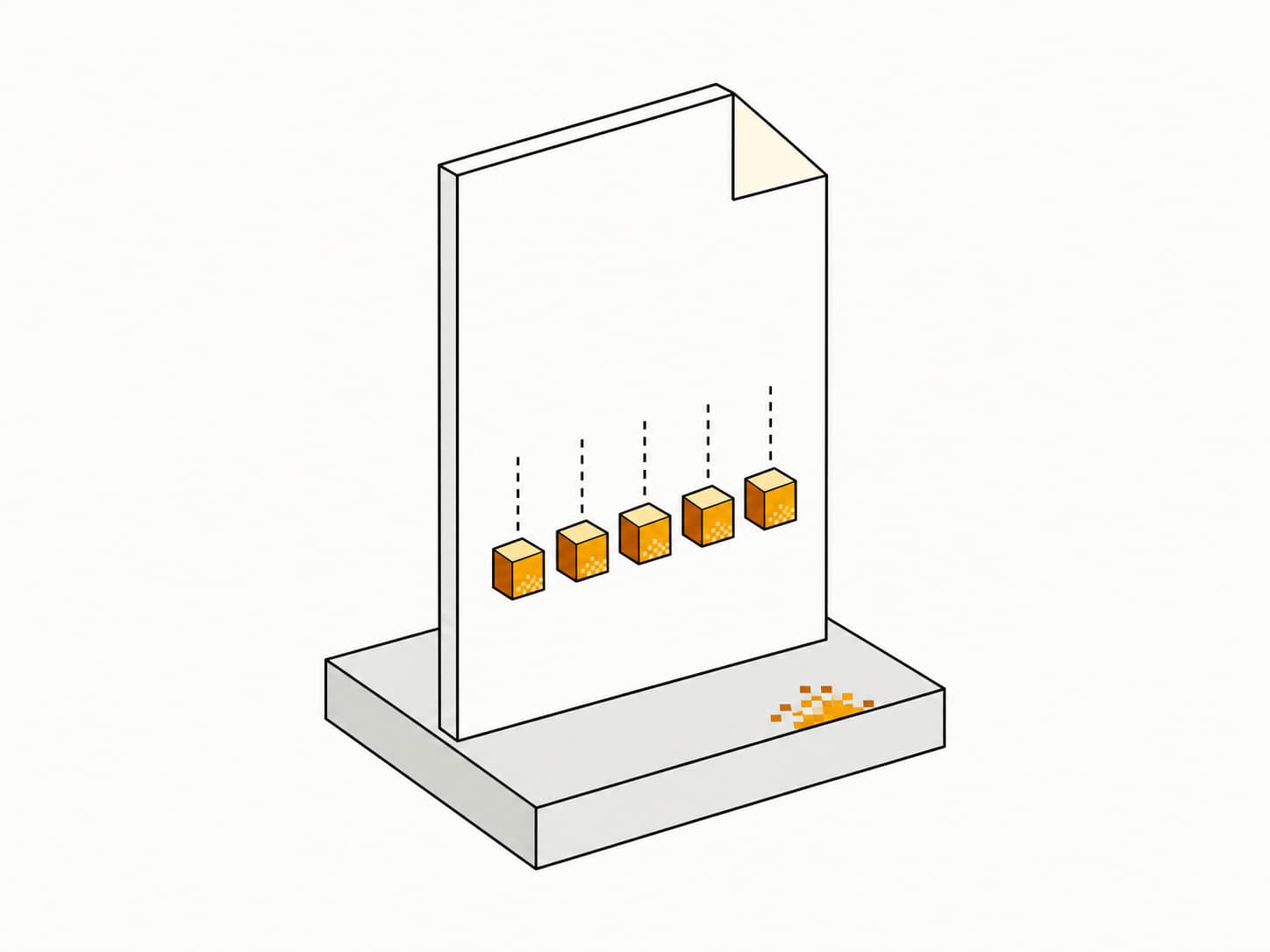
Fig.03 — Press · speak · voxify · land
Structured Mode
voxify · Qwen3
Rambling thought, agent-ready prompt.
Say “voxify” at the end of any thought. A local Qwen3 recognises whether you're asking to implement, explore, or get advice, and slots your speech into a grammar-validated prompt — file paths intact, fillers gone, invented filenames refused.
- Slots stay slots — no drift into prose
- Files must appear in your speech, or not at all
- Only structures when you ask; otherwise it's clean dictation

Fig.04 — Voxify — speech to structured prompt
Ported app UI
Built to fit your work
Profiles · vocab · commands
Context modes
A different brain for every domain
Four seeded modes ship with the app — and you can build your own, each with its own vocabulary, dictionary, snippets, writing style, and app bindings. OmniVox switches the moment you switch windows.
- Programmingdev dictionary · file-path biasAuto
- Business & Salessales vocabulary · formalAuto
- Medicalclinical terms · formalAuto
- Legallegal terms · citationsAuto
Vocabulary
Teach it your words, three ways
Bias Whisper toward the terms you use, post-correct phonetic mishears, and expand short phrases into full text. Scope each entry globally or to one profile.
Vocabularyseed Whisper
Dictionaryfix mishears
Snippetsexpand phrases
Voice commands
Speak the keystroke
A short, focused command vocabulary that turns into real keystrokes. Toggle each command independently — no accidents, no surprises.
- “new line”Shift + Enter
- “delete last word”Ctrl + Backspace
- “new paragraph”Shift + Enter ×2
- “send”Enter ↵
Local-first
Runs entirely on your machine
Whisper and a small Qwen3 run on your hardware with optional Vulkan or CUDA acceleration. Air-gap the laptop and OmniVox still works — nothing leaves the device.
Speed
Voice vs typing
4×
faster than typing
You think at ~400 words a minute and speak at ~180, but type at 45. OmniVox closes the gap between a thought and the prompt you meant to write.
Words per minute · higher is faster
- Thinkthe ceiling — faster than any input
- 400wpm
- Speak · OmniVoxnatural speech, captured locally
- 180wpm
- Typethe keyboard tax on every idea
- 45wpm
What changes when nothing leaves your machine
OmniVox vs cloud dictationBased on public docs of major cloud dictation tools
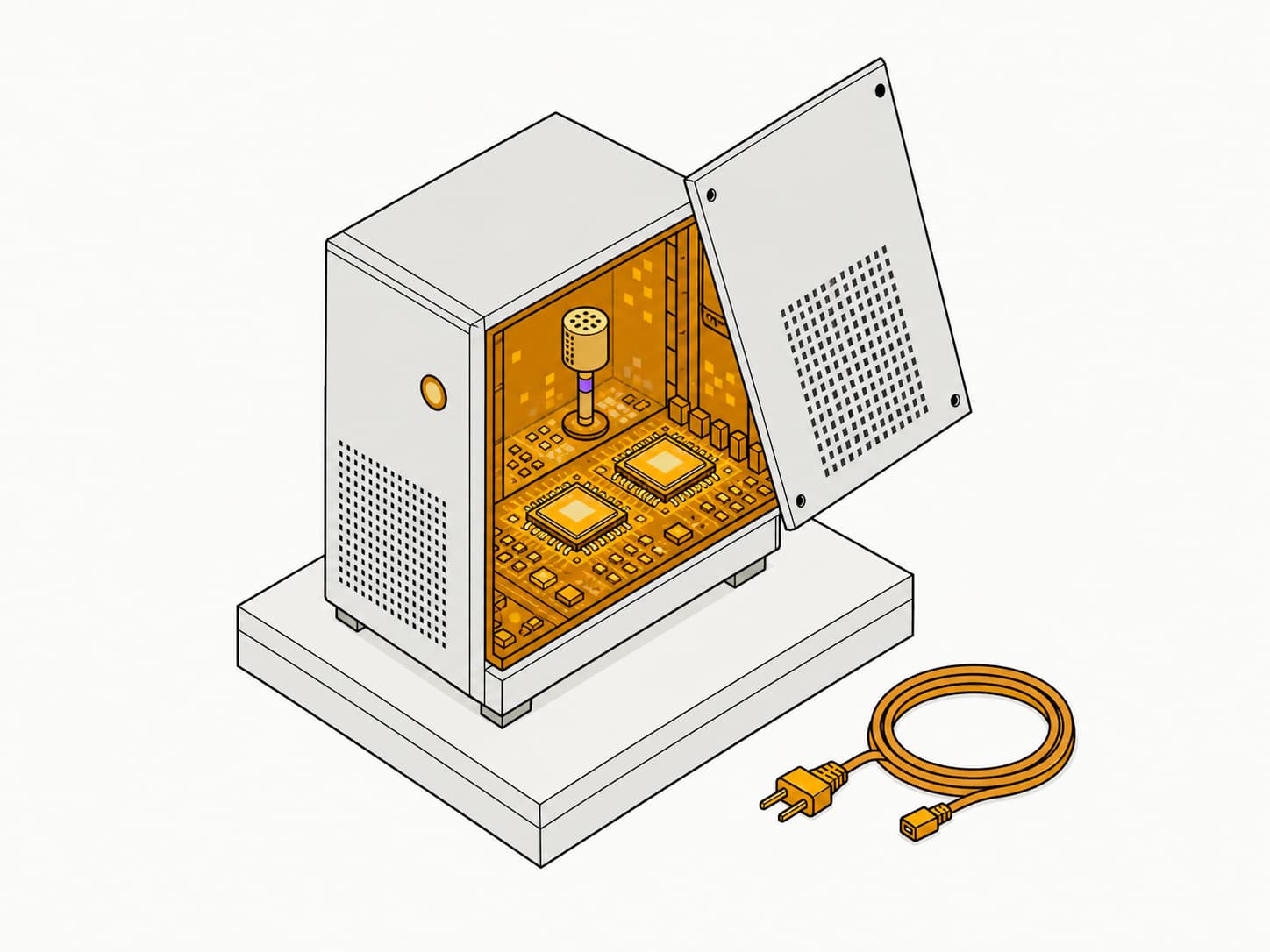
Fig.05 — Everything happens in the box
Offline · air-gap OK
Every app you use
Type-simulation
Lands cleanly in every app.
OmniVox simulates keystrokes the moment a transcript is ready, so your words land in the focused window — clipboard, type, or both, with focus restored after.
Shaped for
- Claude Code
- Codex
- Qwen3 · local
OmniVox · structured
Focused window
Add a rate limiter to the login route — cap it at five attempts a minute.
keyed in · focus restored
Lands in the focused window of
- Claude Code
- Cursor
- VS Code
- Terminal
- Codex
- Notion
- Linear
- Obsidian
- Slack
- Gmail
- Google Docs
- ChatGPT
- Word
- Telegram
- + any text field
Fig.06 — Type-simulation into the focused window
Clipboard · type · focus-restore
The overlay, up close
Ported from the app

Fig.07 — Right-click — modes and quick toggles
Ported app UI

Hold Right Ctrl · speak a command
Fig.08 — Command Mode — speak an action
Hold Right Ctrl
The interface
OmniVox v0.4.0
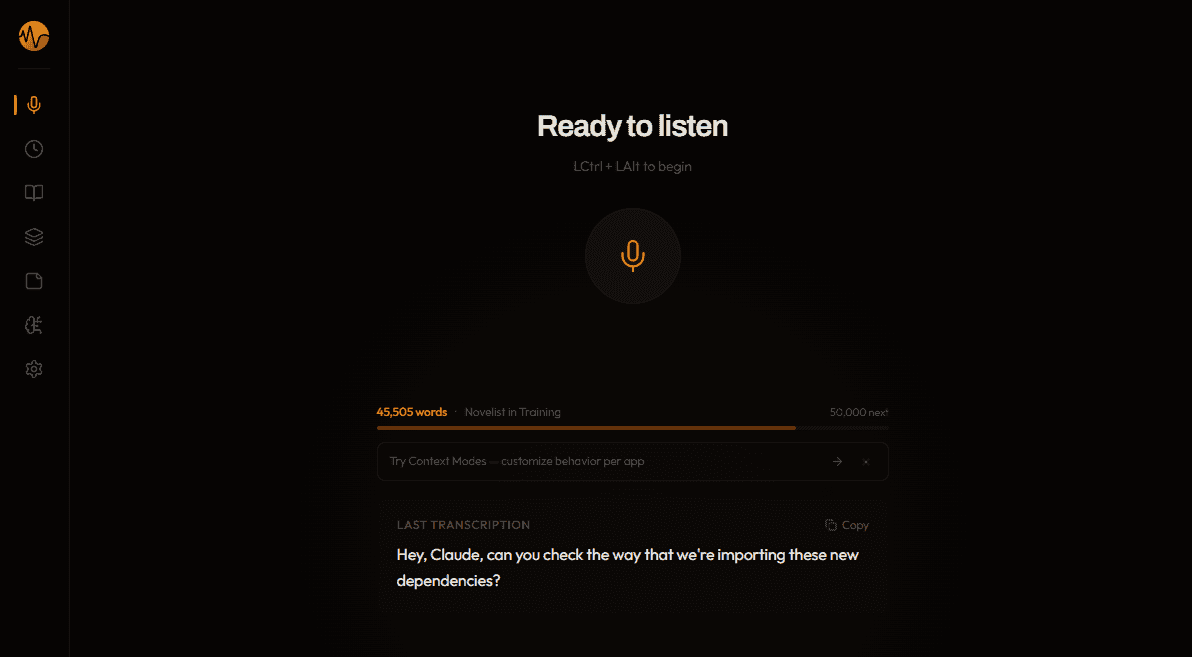
Fig.09 — The OmniVox app
tryomnivox.com
Get OmniVox
Live · Windows
Get OmniVox
Your voice. Your machine.
No cloud round-trip, no API keys, no telemetry. Whisper and Qwen run on your hardware — air-gap the laptop and OmniVox still works.
tryomnivox.com · Windows 10 / 11 · macOS soon