OmniQgithub.com/trigga6006/OmniCue
An assistant that can see your screen.
OmniQ is a translucent bar that sits on top of Windows. Press one hotkey and ask about whatever you are looking at — it captures the screen with the question, answers in place, and can point at the exact control you need. Timers, notifications, and a local CLI ride along in the same bar.
Windows · Always on top · Local server on 19191 · Nine providers
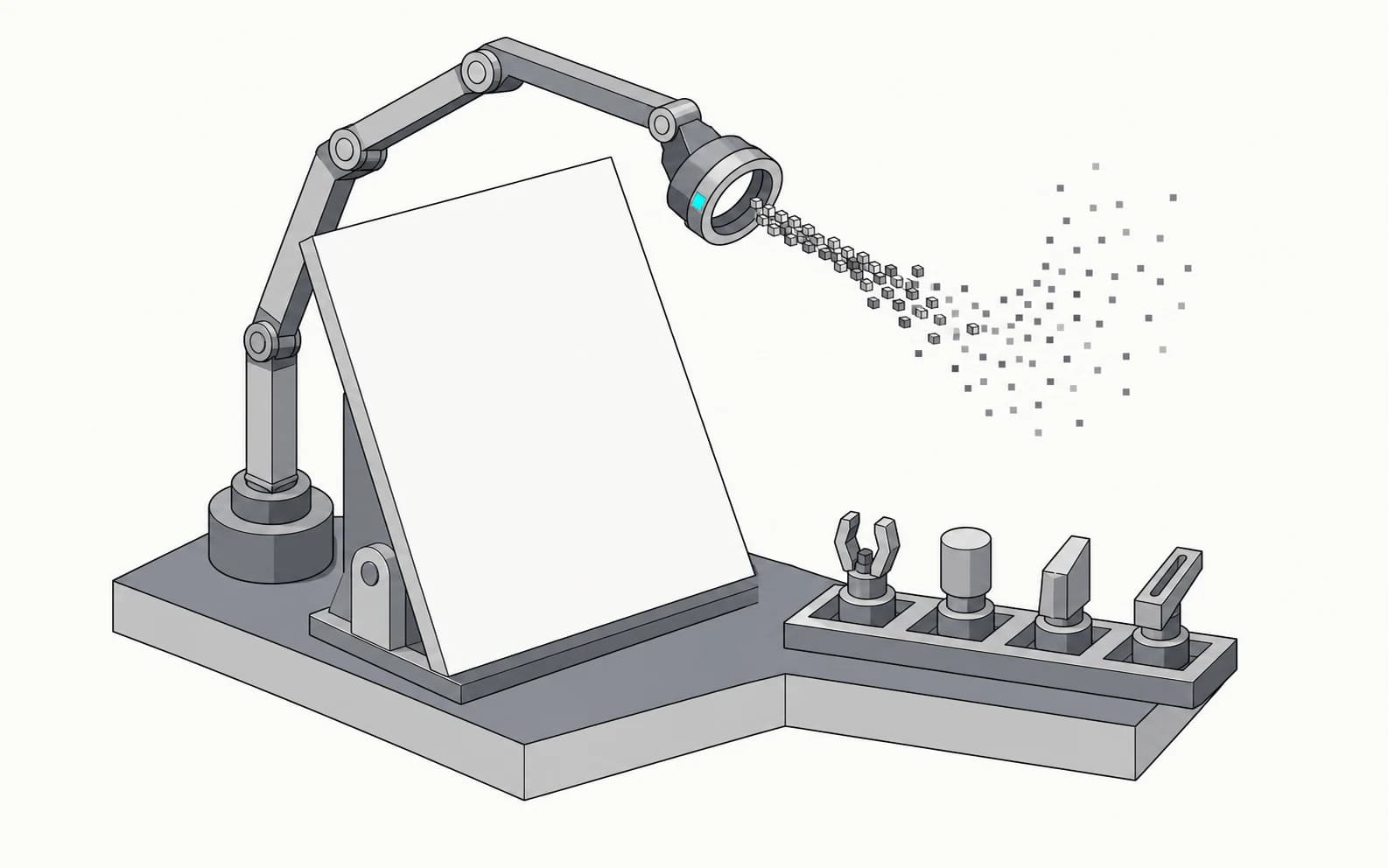
Fig.01 — The harness
Screen in · tools out
Fig.02 — The bar and the companion, on a Windows desktop
The bar
Always on top · Click-through
It only takes the room it needs.
The bar is 36 pixels tall and mostly empty. Start a timer and it grows a ring; a notification arrives and it grows a slot, expands to let you read it, then folds back. Nothing else on your desktop moves.

Fig.03 — The bar
Timer in · notification in
Ask about your screen
Ctrl+Shift+Space · Capture rides along
Stop describing the error.
One hotkey opens the companion over whatever has focus, and the active window is captured and sent with your question. You ask “why is this failing”; the model already has the stack trace.
Bring your own model
Keys stay in local settings. Pick a provider per session, or let it choose.

Summon it from anywhere withCtrlShiftSpace
Fig.04 — The companion
Ctrl+Shift+Space
Show me where
Steps ringed on the live screen
An answer that points at the button.
When the question is “how do I do this,” text is the wrong answer. OmniQ walks the steps and rings the actual control on your screen as it reads each one.

Fig.05 — Guidance on screen
Three steps
Timers and notifications
In the bar · From the shell
The small things, on top of everything.
A countdown you can see without switching windows, and a toast that lands in the bar instead of the corner of the screen you stopped looking at.
Ring sweeps the remaining time
Toast lands in the bar, then folds away
Drive it from the shell
Local server · Port 19191
Your build can talk to the bar.
OmniQ runs a local server on 19191. Anything that can make an HTTP request — a CI step, a git hook, a long agent run — can put a timer or a notification on your screen and get on with it.
Terminal
127.0.0.1:19191
$omniq notify "Build complete"
✓ Notification sent
$omniq notify "Tests passed" --title CI --timeout 15
✓ Notification sent
$omniq timer 5m "Code review"
✓ Timer created (5m: Code review)
$omniq health
✓ OmniQ is running (v0.1.6)
What it is
Four surfaces
01
A bar, not a window
A translucent pill sits above everything, click-through until you reach for it. It grows a slot when it has something to hold and shrinks back when it doesn't.
02
It can see the screen
Ask a question and OmniQ captures the active window with it, so the answer is about what you are actually looking at — not what you managed to describe.
03
One hotkey, any context
Ctrl+Shift+Space opens the companion over whatever has focus. No window to find, no tab to switch to, nothing to alt-tab away from.
04
Scriptable from the shell
A local server on 19191 means your build, your hook, or your agent can put a timer or a notification on screen with one command.
Put it on your screen
github.com/trigga6006/OmniCue
One hotkey away
The answer belongs on the screen.
Install the bar, set your provider, and press Ctrl+Shift+Space the next time something on screen does not make sense.
Electron · React 19 · TypeScript · Tailwind · Zustand · Motion · Vite